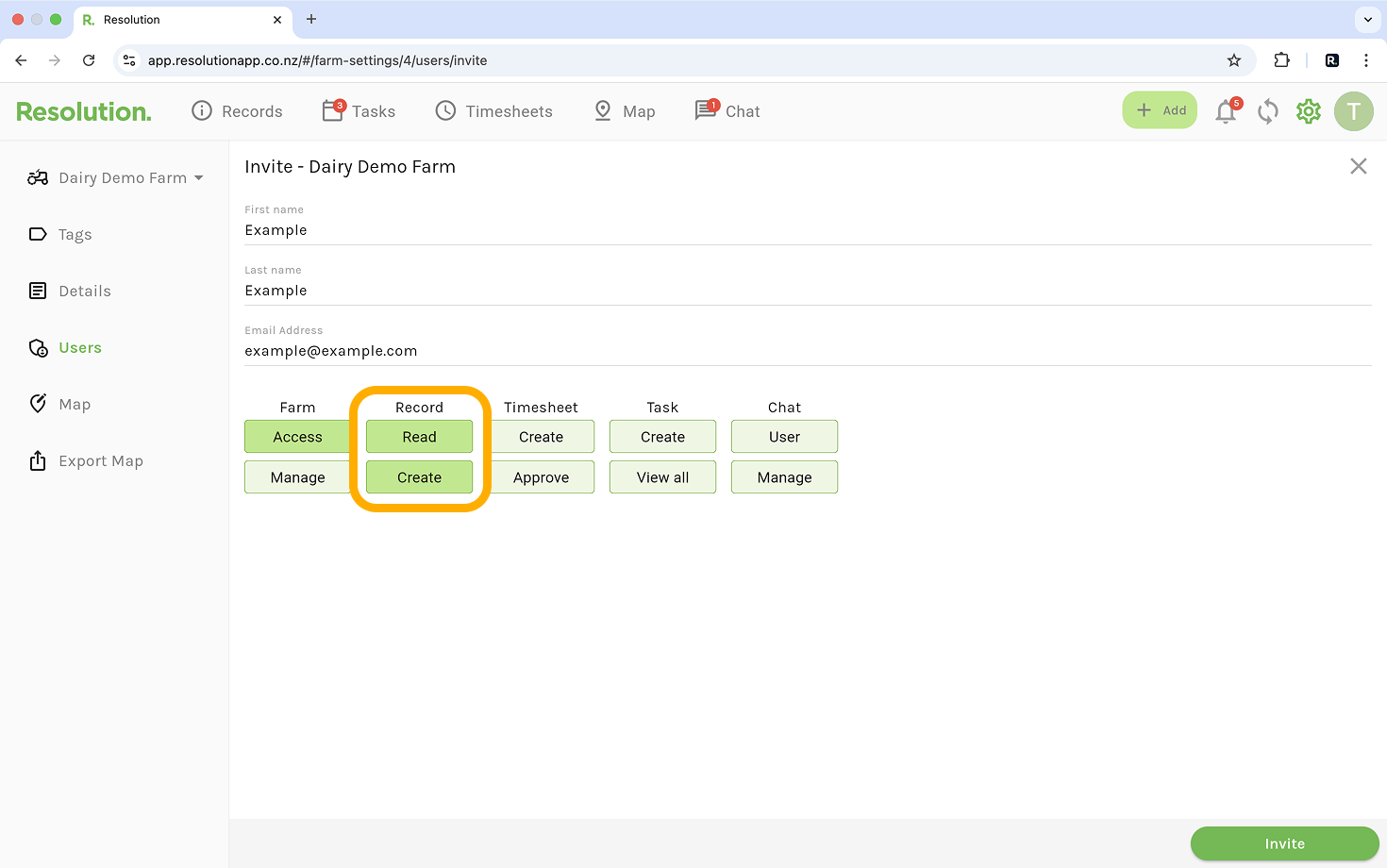
Record Permissions
- If a user only has the ‘Create’ record permission, they can only edit their own records.
- If a user also has the ‘Manage’ permission, they can edit all records.
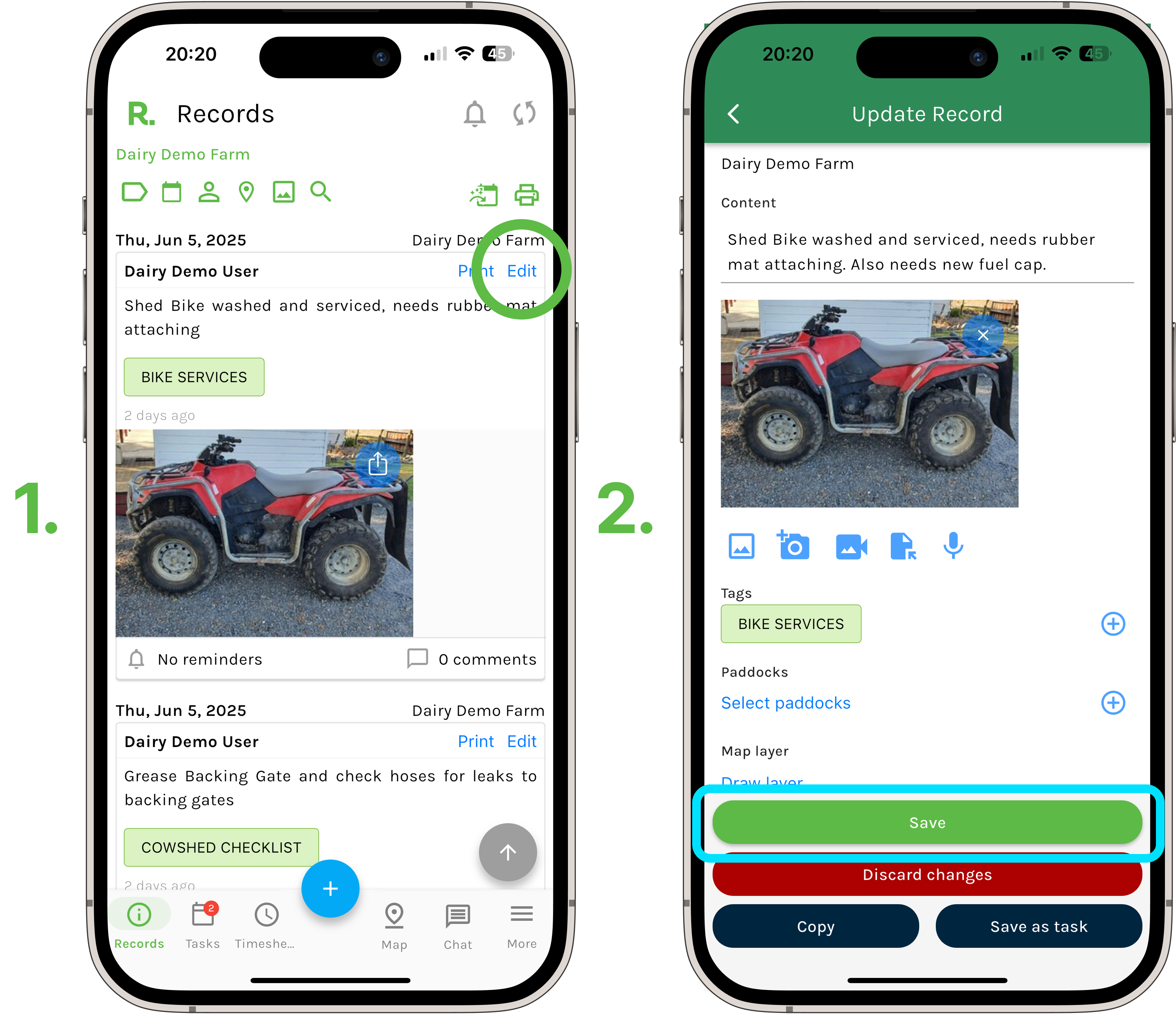
Steps to Edit a Record - Mobile
- Navigate to the records timeline.
- Identify the record you wish to edit (using the filters if needed).
- Select ‘Edit’.
- Make any changes you wish to content section, attachments, tags etc.
- Select ‘Save’.
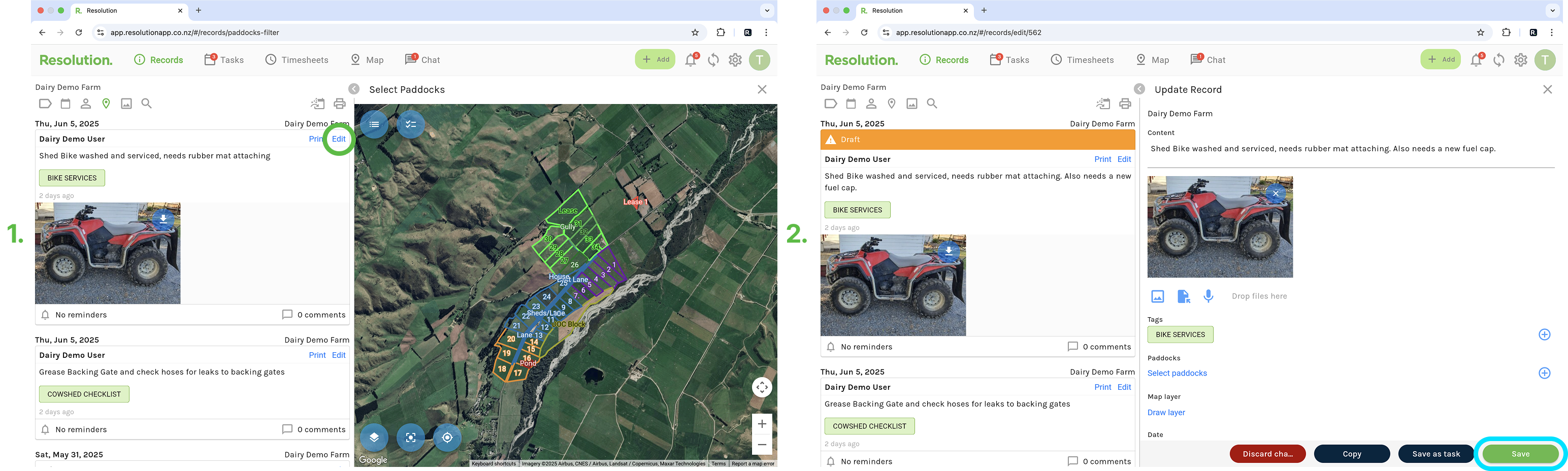
Steps to Edit a Record - Desktop
- Navigate to the records timeline.
- Identify the record you wish to edit (using the filters if needed).
- Select ‘Edit’.
- Make any changes you wish to content section, attachments, tags etc.
- Select ‘Save’.